Before & after
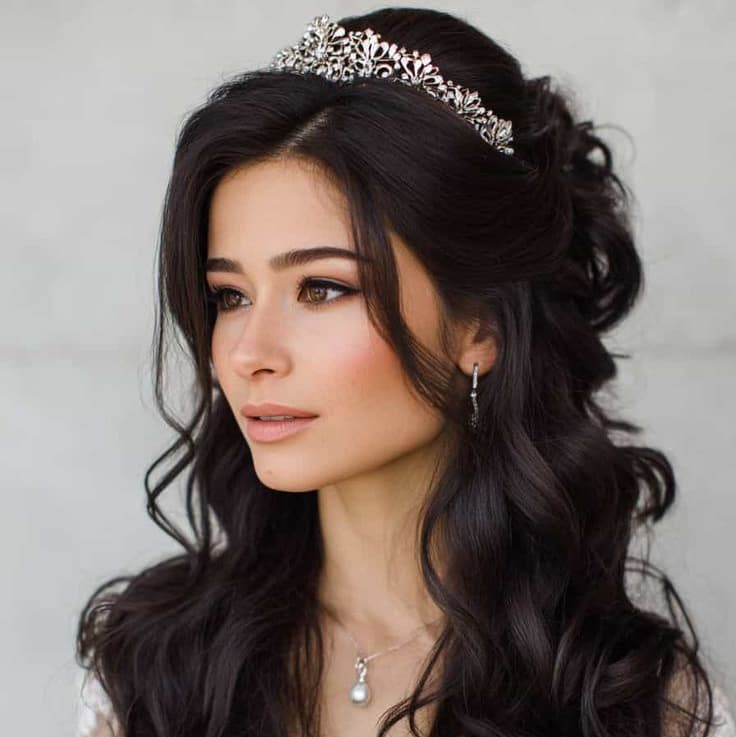
Pearl glam waves
Mode used: Style only
Bridal-inspired volume and glossy waves finished with a pearl clip, with no face or background edits.
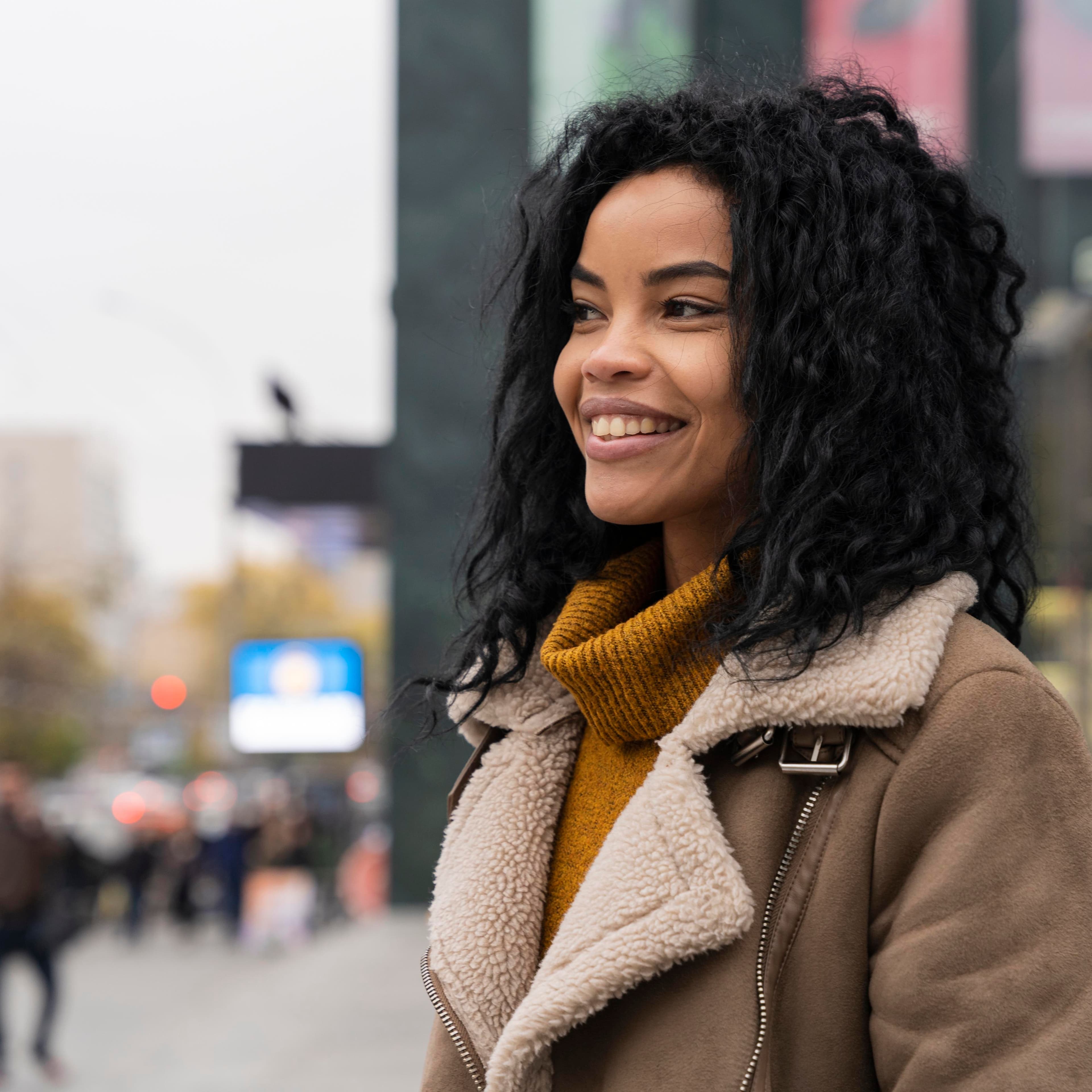
Before
Natural waves
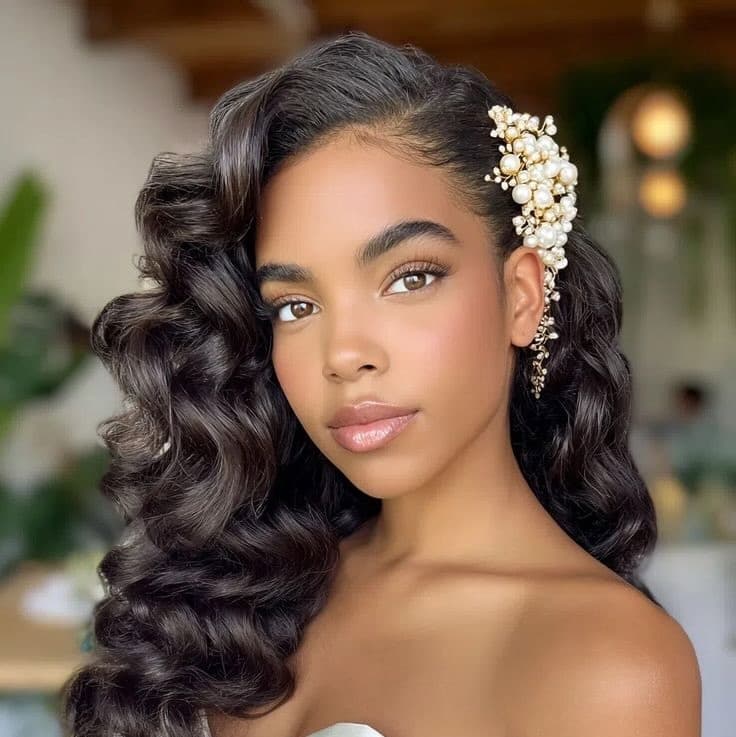
Inspiration
Bridal wave reference
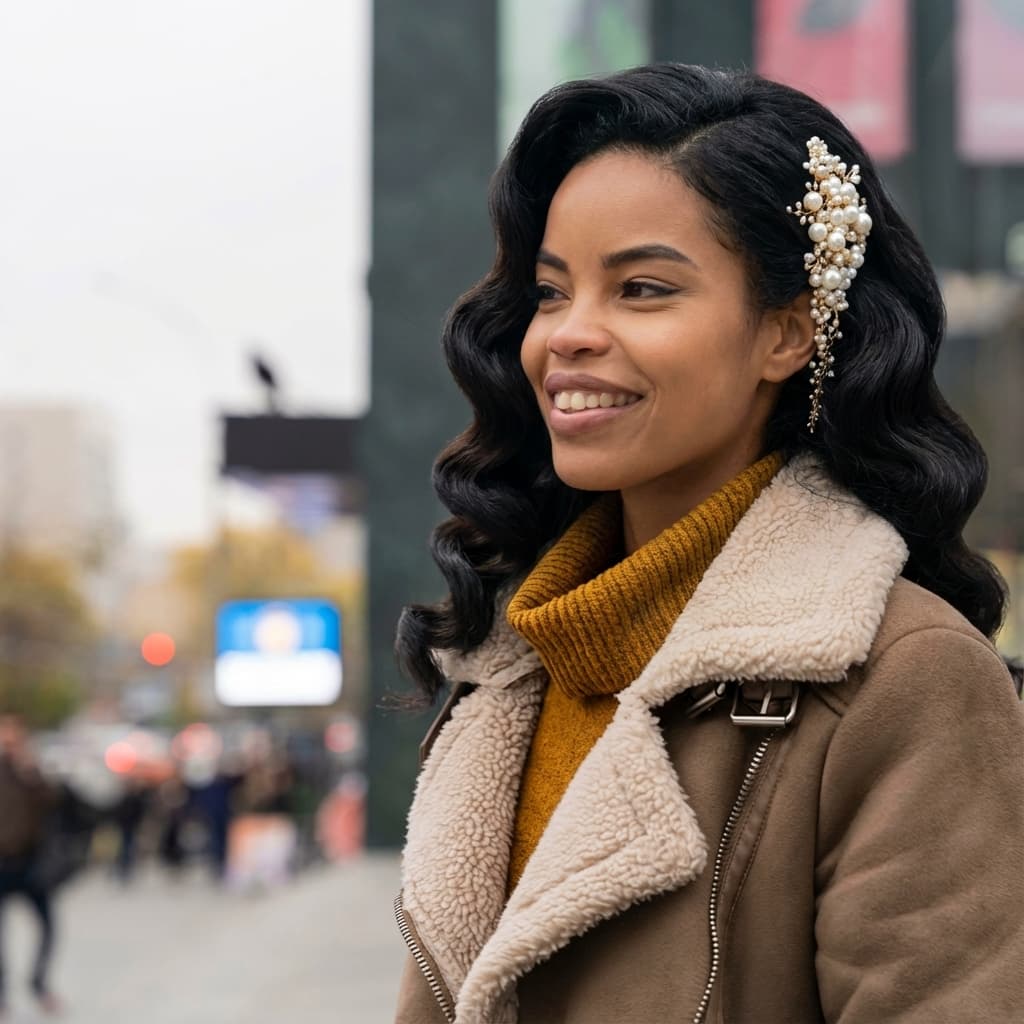
After
Glam waves + pearl clip
Example looks
These transformations mirror the in-app experience. Star Photos stay identical. A new color, shape, or both is layered on top without touching your face or background.
Mode types include Color only, Style only, or Style + Color. Every example below keeps your face intact and labels the mode used.
Process + privacy
Start with one Star Photo that stays locked and unchanged.
Hair only edits keep facial features and lighting intact.
Every look is saved privately for side by side comparisons.
Before & after
Mode used: Style only
Bridal-inspired volume and glossy waves finished with a pearl clip, with no face or background edits.
Before
Natural waves
Inspiration
Bridal wave reference
After
Glam waves + pearl clip
Before & after
Mode used: Style only
Turns straight brunette lengths into soft, defined curls with extra volume (no color change).
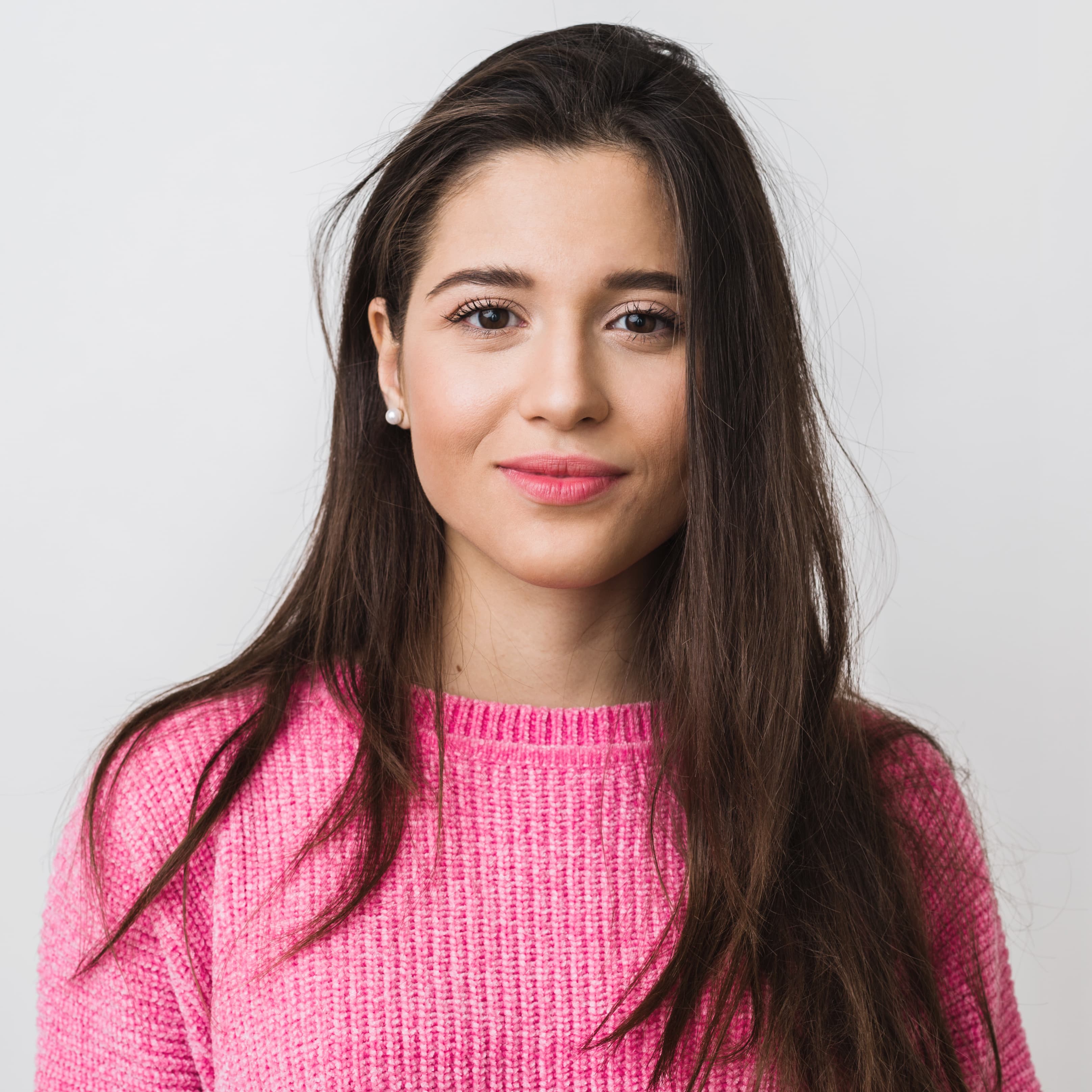
Before
Straight brunette
Inspiration
Soft curl reference
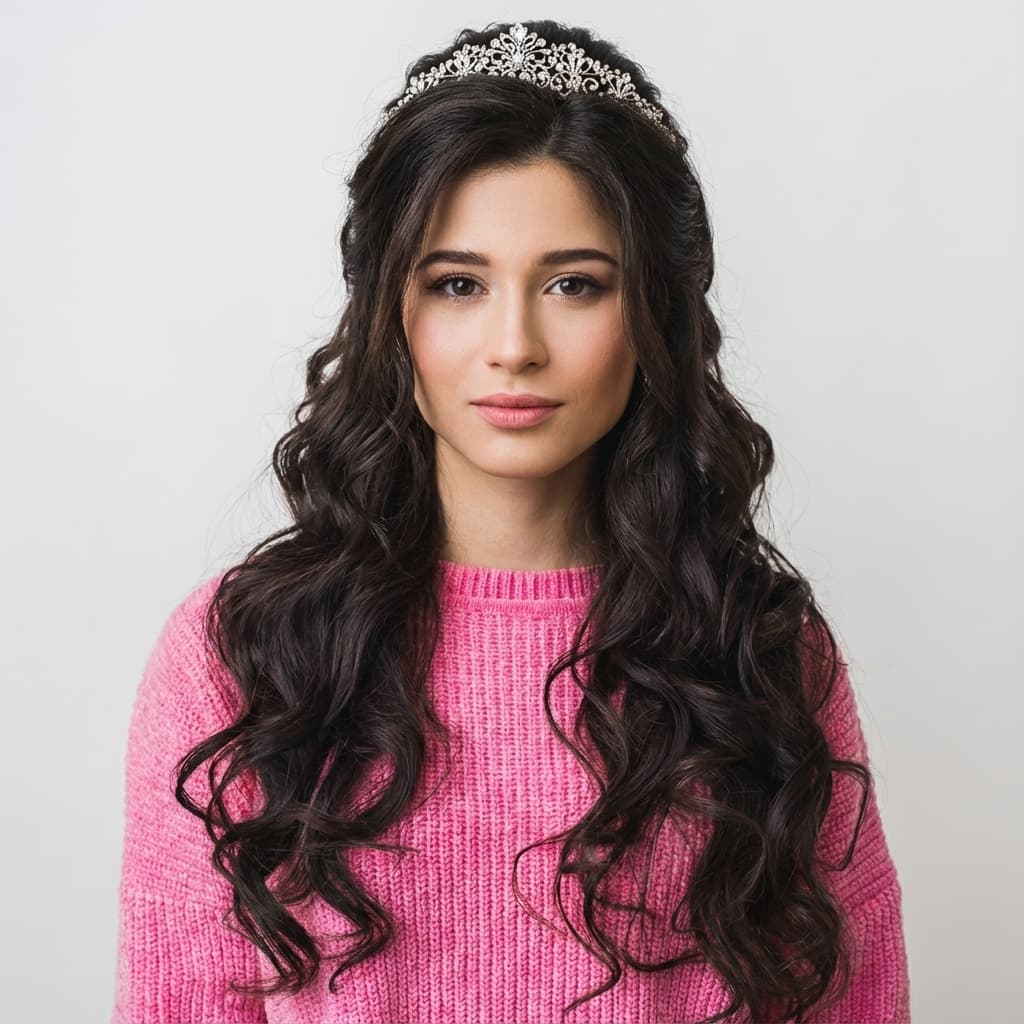
After
Defined curls + volume
Before & after
Mode used: Color only
Transforms a light blonde base into a rich copper tone with a smooth, salon-finished shape.
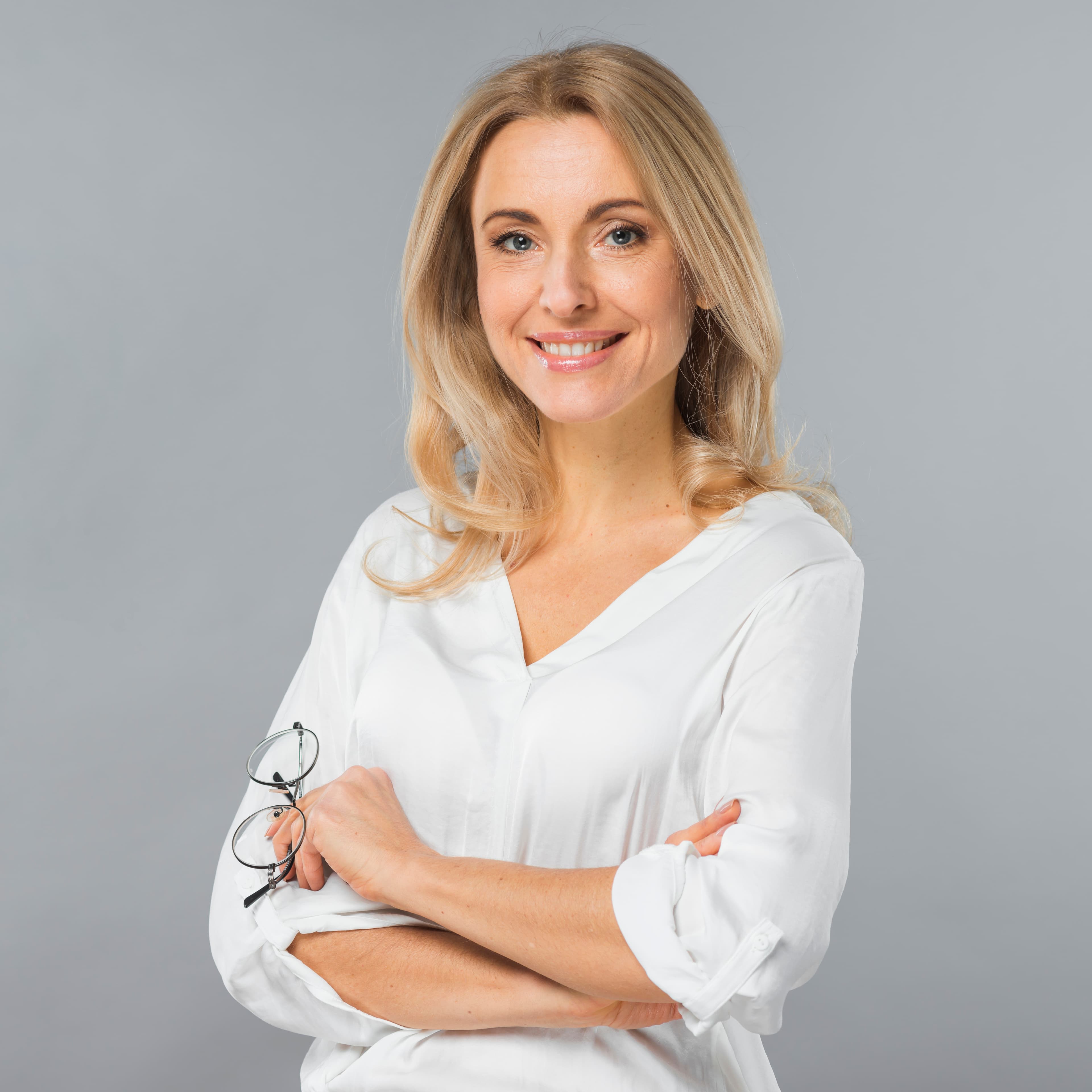
Before
Light blonde base
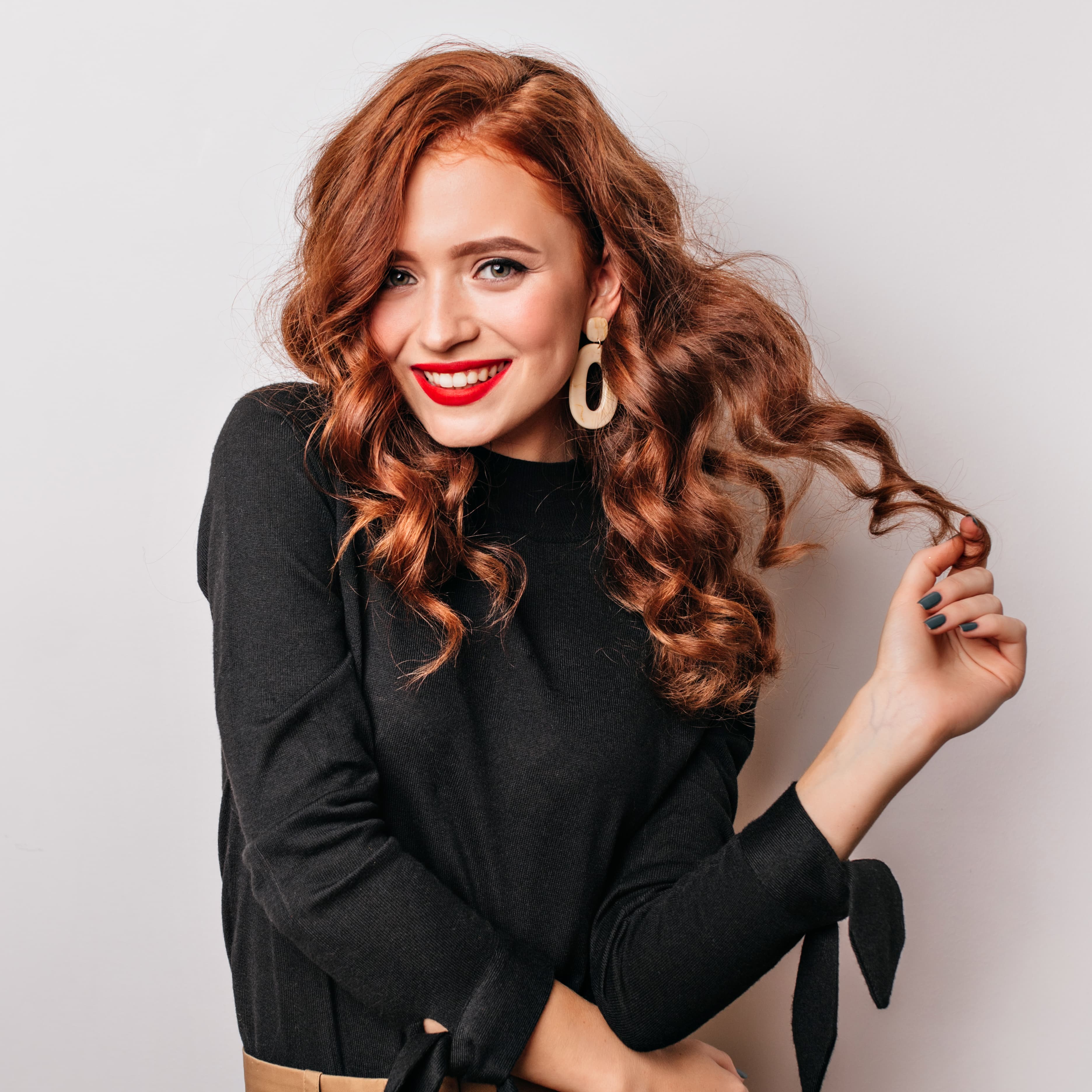
Inspiration
Copper tone reference
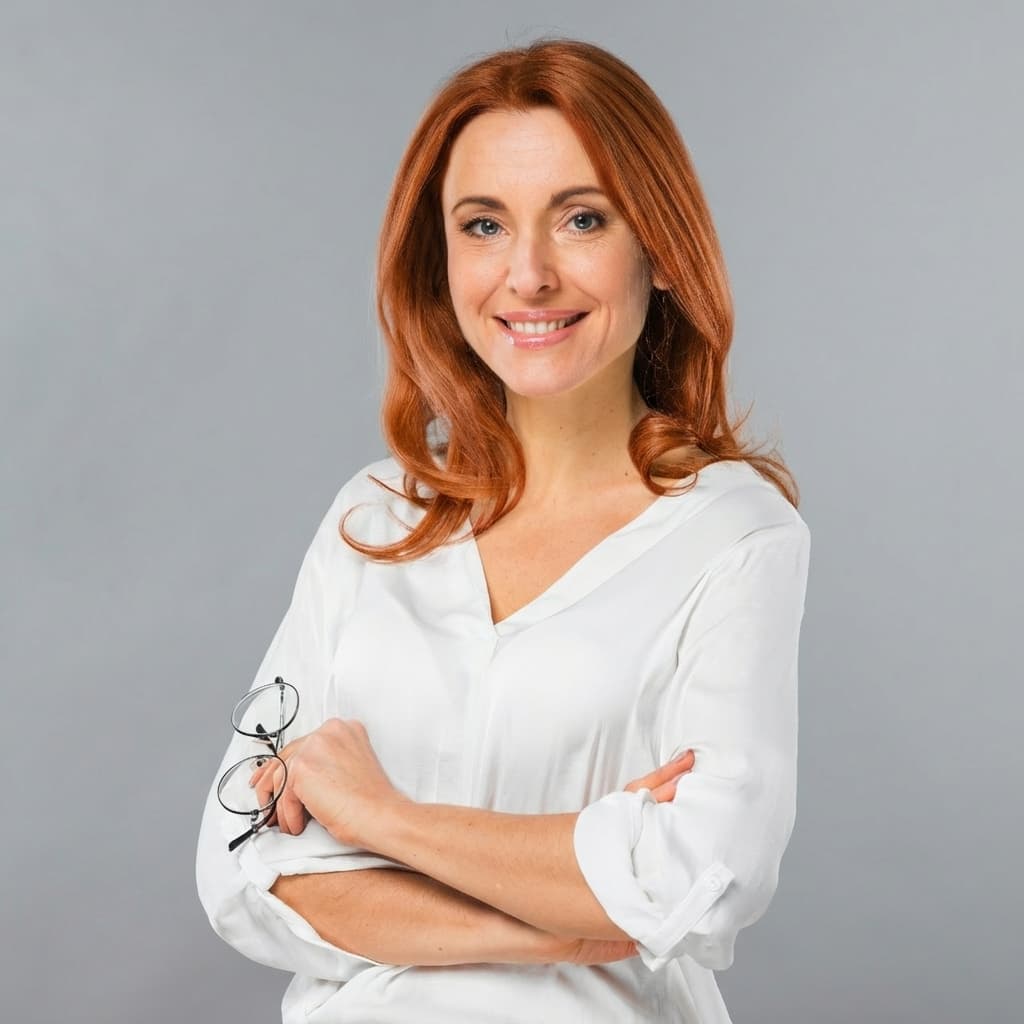
After
Rich copper finish
How accuracy is kept
Hair-only edits
Faces, lighting, and backgrounds stay untouched. Every preview keeps you recognizable.
Salon-grade prompts
Modes mirror the iOS app: Color only, Style only, or both. Presets keep your inspiration pinned.
Stylist-ready notes
Each look highlights shade direction, tone shifts, and cut adjustments so your stylist can recreate it.
FAQ
Do these edits change my face?
No. Only the hair is edited, not your face or background.
Can I switch between modes?
Yes. Try Color only, Style only, or both to compare.
Where do I learn the flow?
Visit the how it works page for the full walkthrough.